For Voltra TV, the most important difference is not the shape of the remote or the logo on the home screen. It is whether the device accepts an Android APK and meets the Android 6.0 minimum.
Voltra TV is not affiliated with Amazon or Google. Fire TV, Android TV and related names belong to their respective owners. This comparison covers platform fit and Voltra setup, not every hardware difference.
Fire TV and Android TV compared
| Question | Compatible Fire TV | Android TV |
|---|---|---|
| Operating system | Android-based Fire OS on supported models. Newer Vega OS models are different. | Google’s Android TV platform or Google TV interface on Android-based hardware. |
| Voltra format | Official Android APK on compatible Fire OS devices. | Official Android APK on devices running Android 6.0 or later. |
| Fast setup | Downloader code 1165642 on compatible devices, subject to installation settings. | Downloader code 1165642 or a trusted transfer of the official APK. |
| Navigation | Remote-first TV layout; behavior varies by Fire TV generation and firmware. | Remote-first TV layout; behavior varies by brand, box and Android version. |
| Key check | Confirm Fire OS versus Vega OS and the exact model year. | Confirm Android version, storage and APK installation support. |
| Current exception | Fire TV Stick 4K Select (2025) and Stick HD (2026) use Vega OS and are not Android APK targets. | Devices below Android 6.0 do not meet Voltra v9’s minimum. |
Where the platforms are similar
Amazon’s Fire TV and Android TV development comparison says the platforms have more similarities than differences because Android-based Fire TV models and Android TV share an Android foundation. That common base is why a Voltra Android APK can be relevant to both.
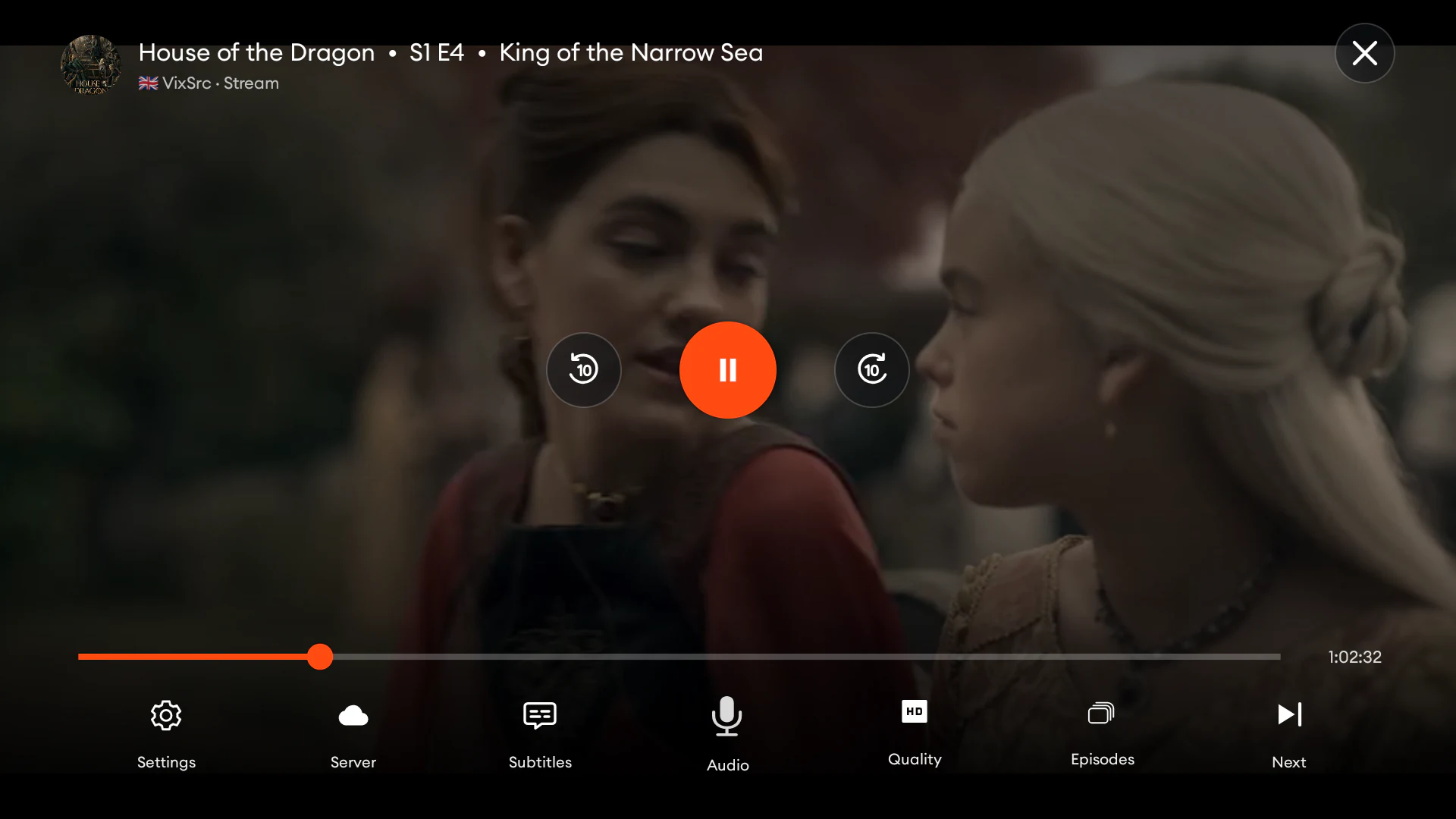
Voltra v9 uses a television layout with large focus targets, predictable directional movement and a cinematic canvas. The content areas remain the same: more than 1,000 live channels, TMDB-powered movie and series discovery, a dedicated anime area, sports and unified search. Availability from independent third-party sources can vary by location.
Where Fire TV needs an extra check
The Fire TV family now spans two operating-system paths. Models such as Fire TV Stick 4K Max (2nd Gen), Fire TV Stick 4K (2nd Gen), Fire TV Stick HD (2024) and Fire TV Cube (3rd Gen) are listed by Amazon with Android-based Fire OS. Fire TV Stick 4K Select (2025) and Fire TV Stick HD (2026) are listed with Vega OS.
That makes model year essential. A search for “Voltra TV Firestick HD” can describe two products with nearly the same name but different app formats. Use the Voltra Fire TV compatibility table before following APK instructions.
Installation differences
On compatible Fire TV devices
Open Downloader, enter code 1165642, verify the destination is voltra.tv and follow the Fire OS prompt to permit installation from Downloader. The complete flow is in the Fire TV Stick installation guide.
On Android TV devices
Use the same code in Downloader or transfer the official APK through a trusted method. The Android TV installation guide covers permissions, direct transfer and troubleshooting.
On both platforms, disable the temporary unknown-app permission after installation if you no longer need it. Download Voltra only from voltra.tv.
Which should you choose for Voltra?
If you already own a compatible device, there is no need to change platforms just for Voltra. Confirm the operating system, install the official APK and test the remote experience on that hardware.
If you are choosing a new device, check its exact model year, OS, memory, storage and display support. For Fire TV, verify that it runs Android-based Fire OS rather than Vega OS. For Android TV or Google TV hardware, verify Android 6.0 or later and support for installing the official APK.
Check the generation
Fire OS models can be Android APK targets; Vega OS models cannot use the current Voltra APK.
Check Android version
Voltra v9 requires Android 6.0 or later and a device that permits the official APK installation.