Voltra TV v9 is distributed as an Android APK. On Android TV, the simplest setup uses the Downloader app and Voltra’s official code. The entire process usually takes a few minutes.
Download Voltra only from voltra.tv. APK installation bypasses the Google Play review flow, so verify the domain and package prompt before continuing. Menus differ across Android TV brands and versions.
Before you install
- A compatible Android TV or Android TV box running Android 6.0 or later.
- An internet connection and enough free storage for the APK.
- The Downloader app or another trusted way to transfer the official APK.
- Permission to install apps from the specific tool you use.
Method 1: use Downloader code 1165642
- Install and open the Downloader app on your Android TV device.
- Enter the official Voltra code 1165642.
- Open the Voltra download destination and confirm that the domain is voltra.tv. If the device chooser appears, select TV, then use the Download TV APK button on the TV download page.
- If Android blocks the install, open the permission prompt and allow installs from Downloader.
- Return to the package screen, choose Install, then open Voltra TV v9.
After installation, consider turning off the “install unknown apps” permission for Downloader. This limits future sideloading unless you deliberately enable it again.
Method 2: download and transfer the TV APK
Open the official Voltra TV download page on a phone or computer to get voltratvversion.apk. Transfer the file to the Android TV device using a trusted USB drive or local file-transfer method, then open the APK with a file manager and approve installation.
Do not rename or repackage an APK from an unofficial mirror. If a third-party site claims to offer a modified Voltra build, return to voltra.tv instead.
What to do after first launch
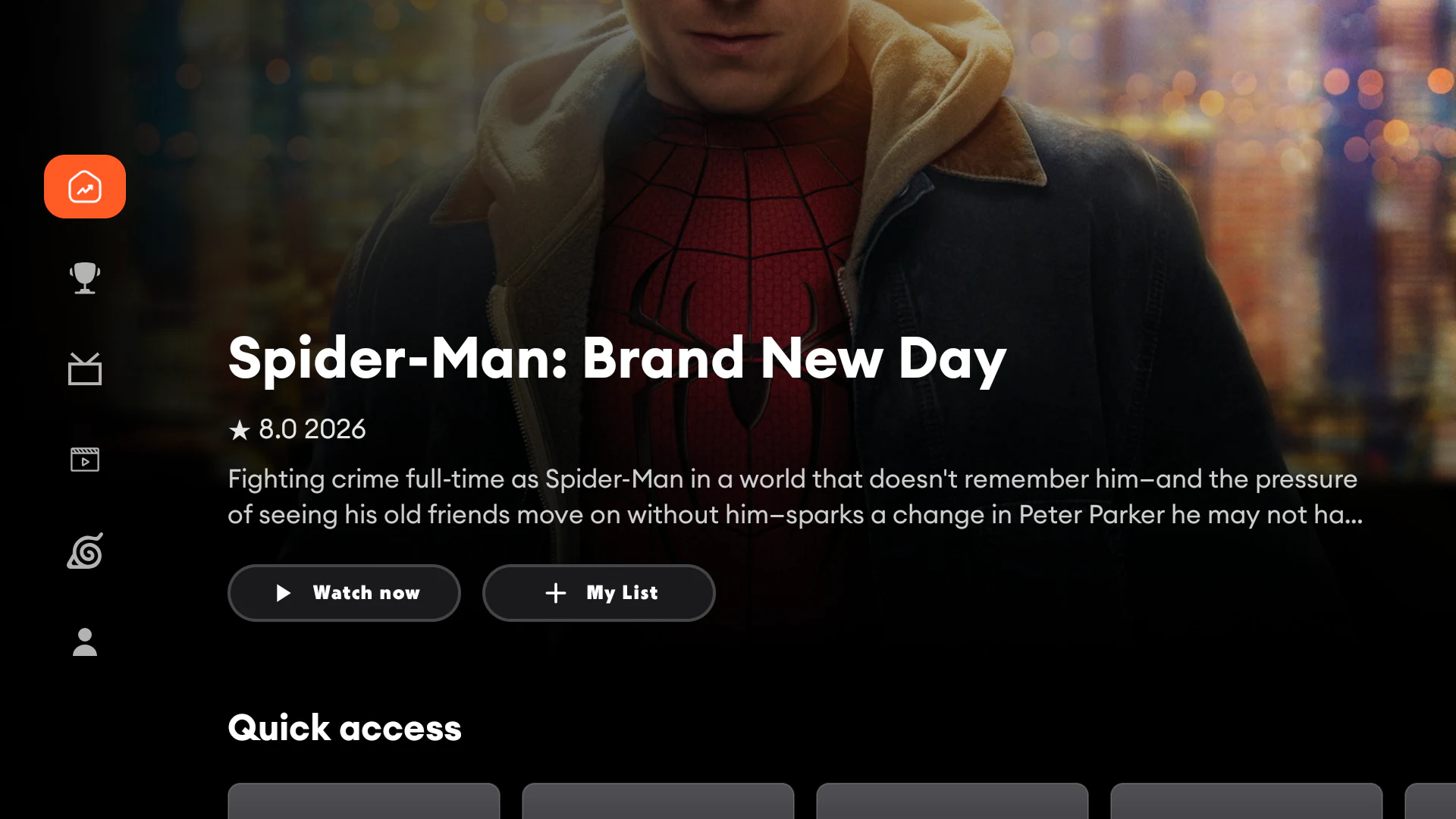
Confirm remote focus moves through the home screen, then open Movies, Channels, Anime and Sports to let artwork load. If the app asks for ordinary network or media permissions needed by a feature, review the prompt before accepting.
Troubleshooting Android TV installation
“App not installed”
Check Android version, available storage and whether an older package conflicts with v9. Remove only a previous Voltra version you no longer need, then retry the official APK.
Downloader cannot open the page
Recheck code 1165642, confirm internet access and try opening https://voltra.tv/tvdownload.html directly.
The APK downloads but will not open
Allow unknown-app installation for Downloader or the file manager you used. Grant the permission only to that specific app.
The remote does not navigate correctly
Restart the app and confirm the device is running an Android TV build rather than a phone build forced onto a television. Voltra v9 includes a TV-specific interface.