Live, without the lag
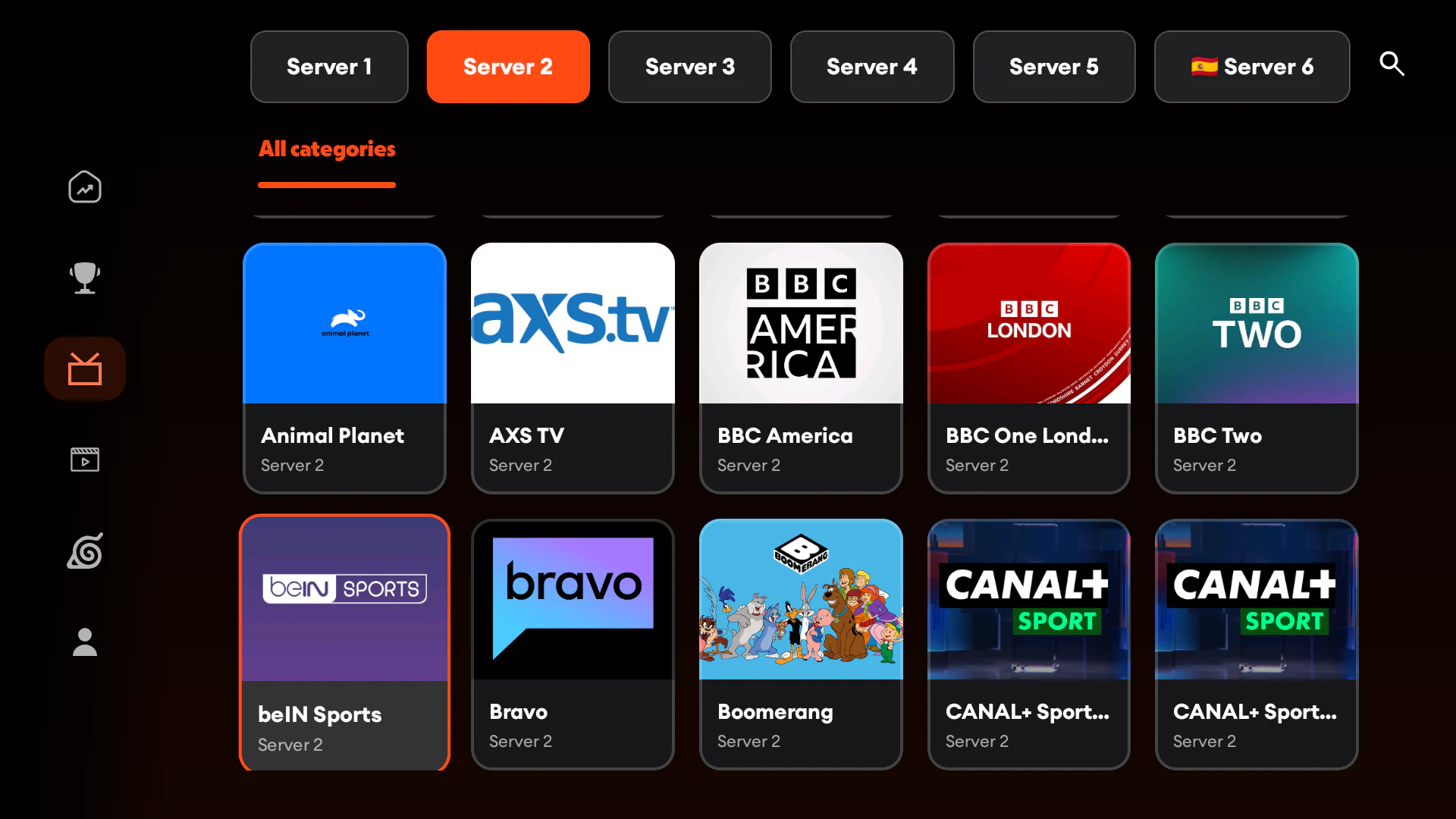
Jump from the guide to the action with a leaner live-channel experience designed around the remote.
Introducing Voltra TV v9
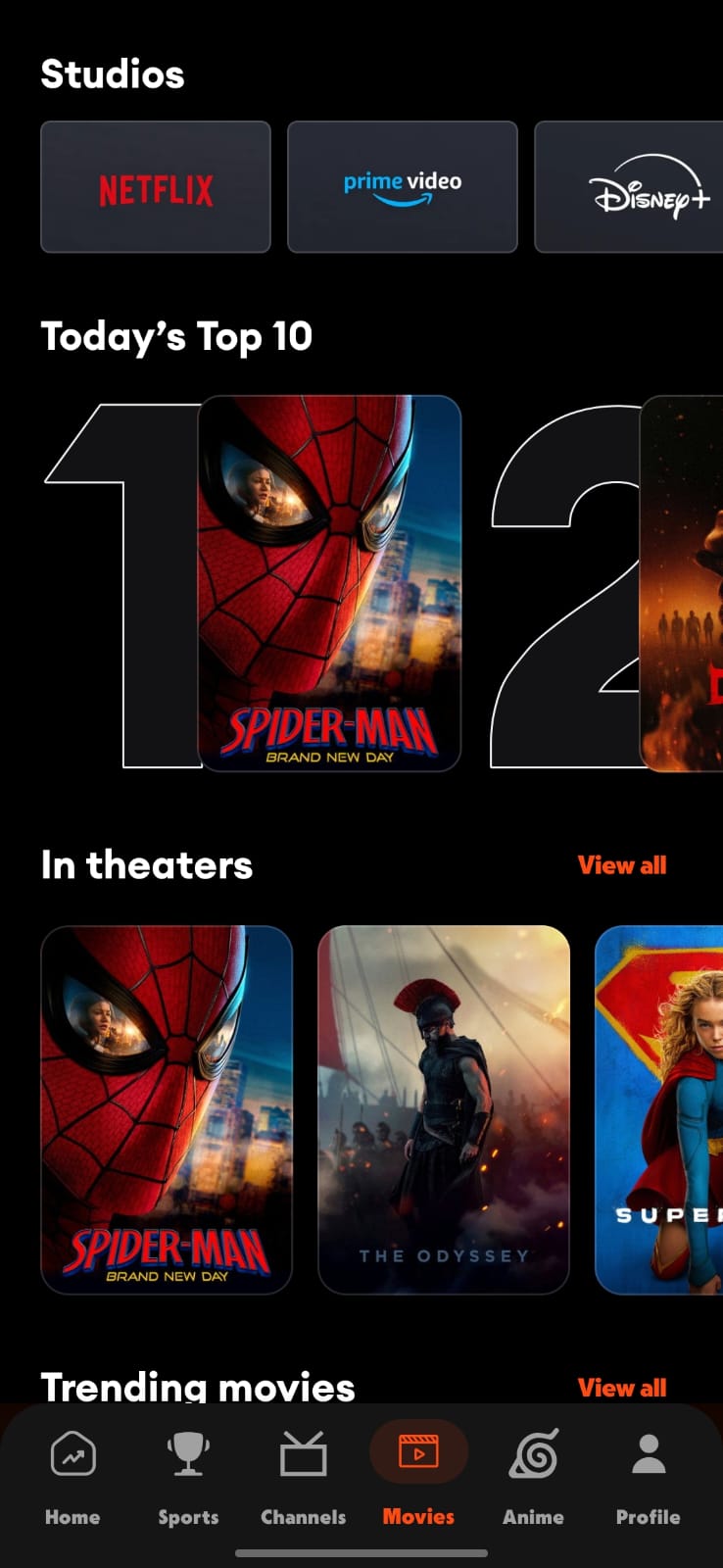
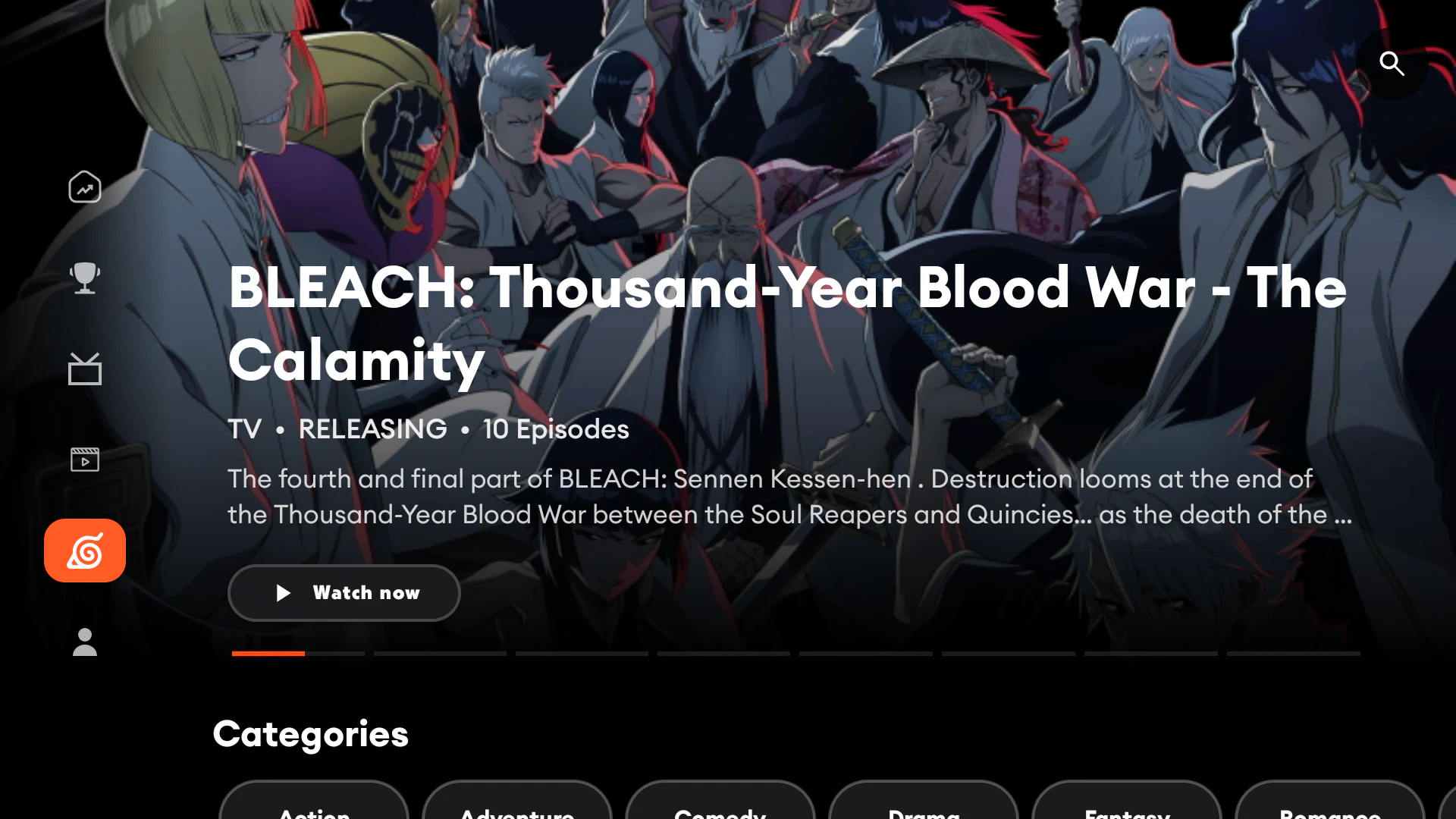
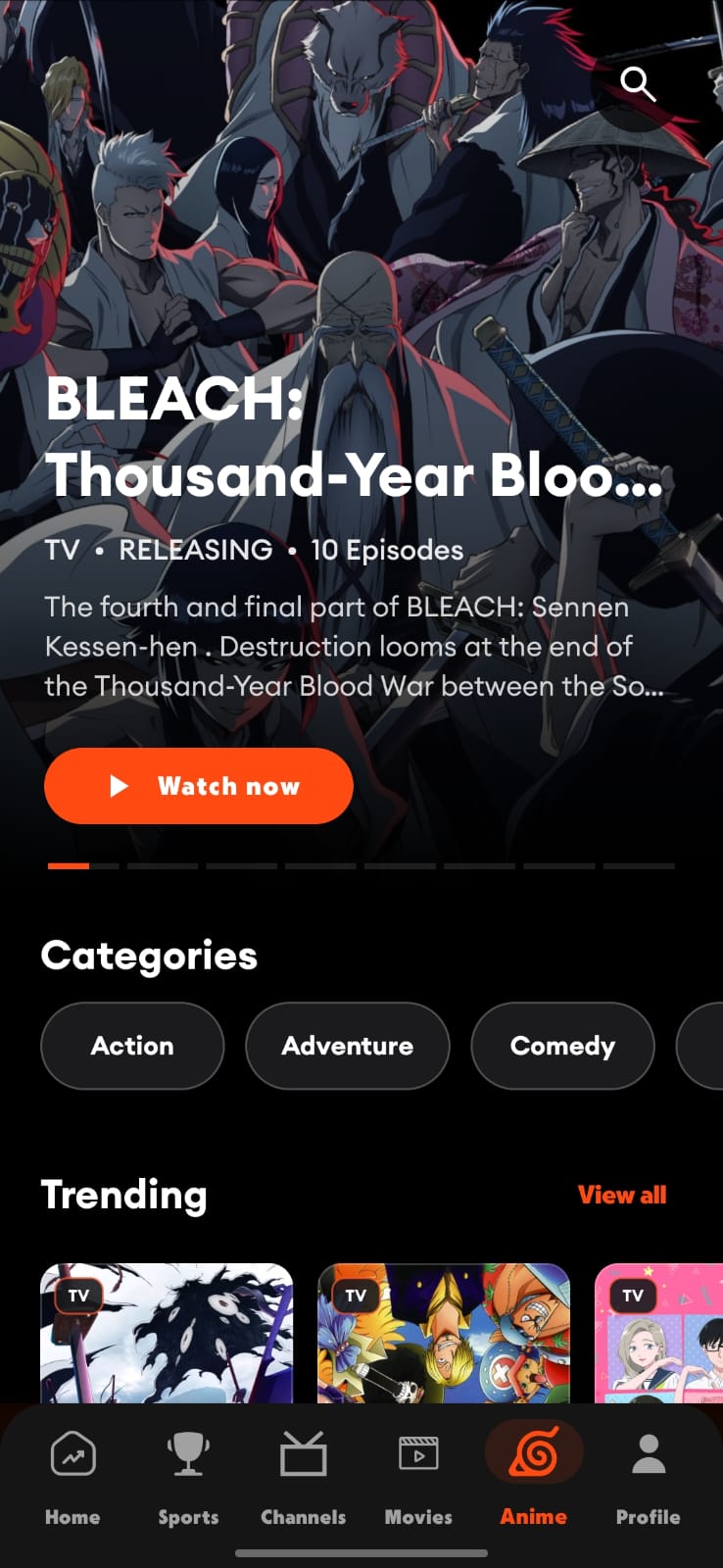
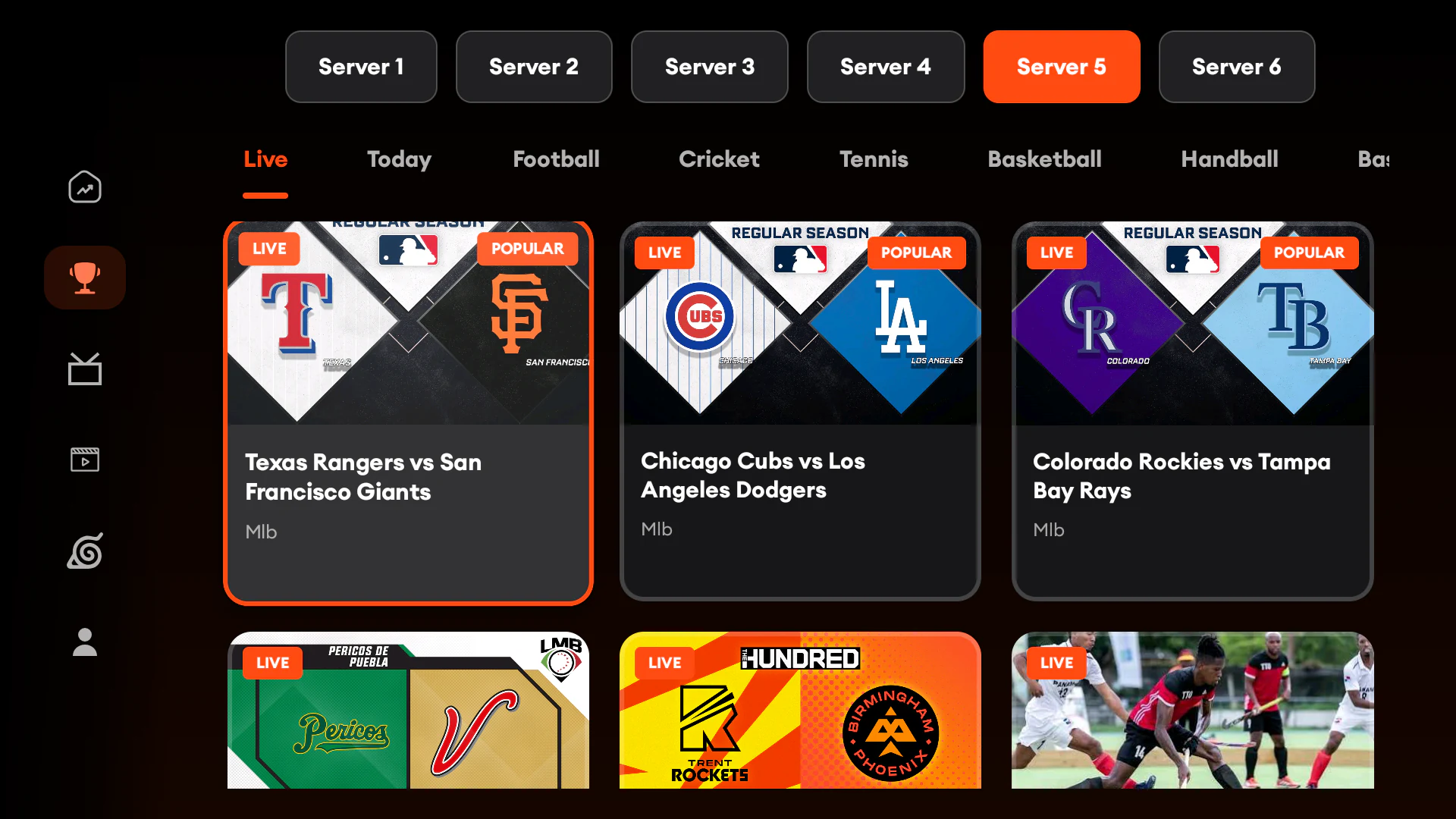
Live channels, movies, anime, series and sport—now inside our fastest, clearest and most cinematic experience for Android mobile, Android TV and compatible Fire TV devices.
Built again from the sofa up
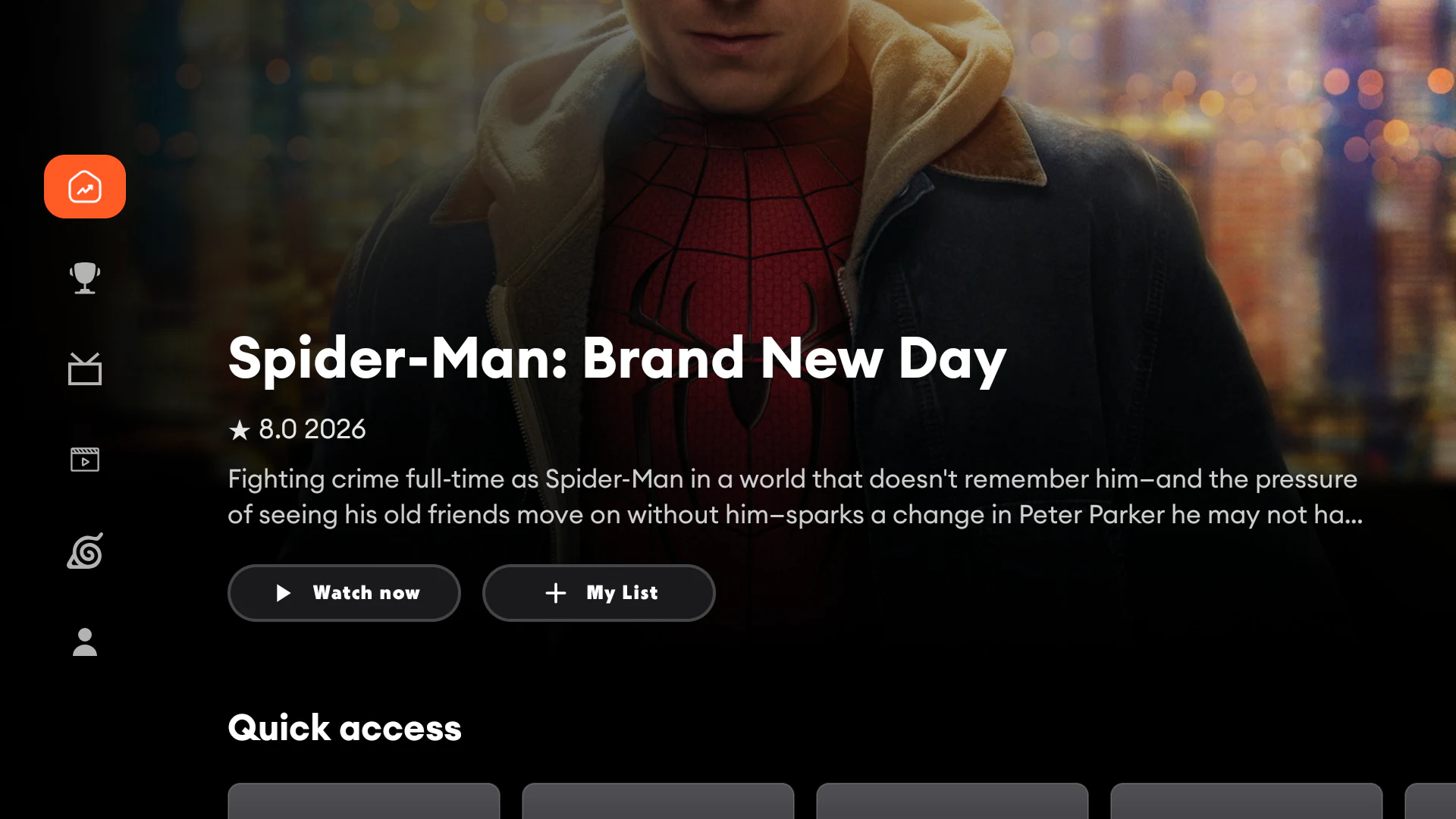
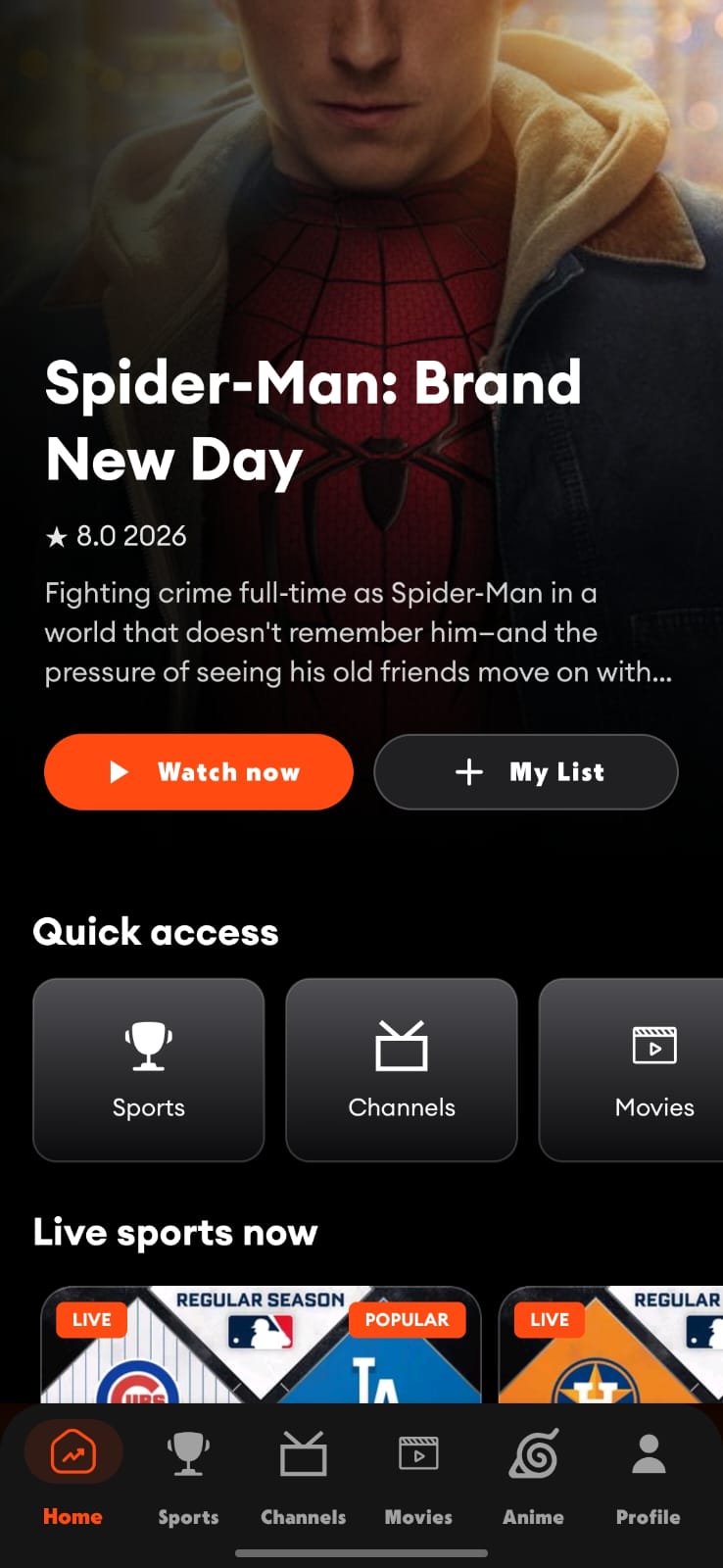
v9 puts the things you reach for most exactly where they should be: fast to open, clear from across the room and easy to move through.
Jump from the guide to the action with a leaner live-channel experience designed around the remote.
Find films, anime, series, channels and events from one focused search surface—fewer taps, faster results.
Browse anime as a dedicated library instead of digging through a generic movie or series catalogue.
A spacious ten-foot interface for Android TV and compatible Fire TV devices, plus a responsive experience that stays sharp on phones.
A player that follows you
The redesigned player keeps the essentials close on TV and mobile: playback, server choice, subtitles, audio, quality and episode controls.
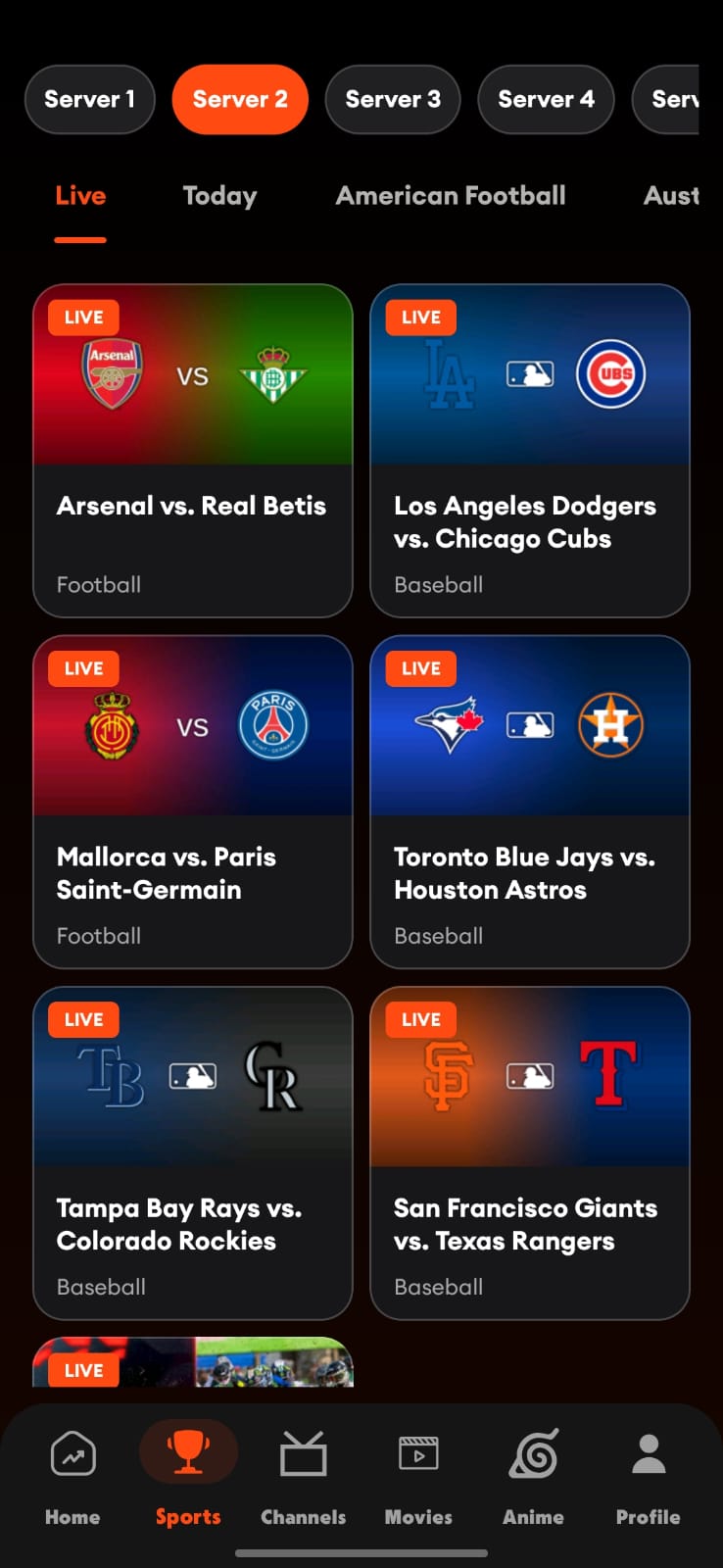
See every feature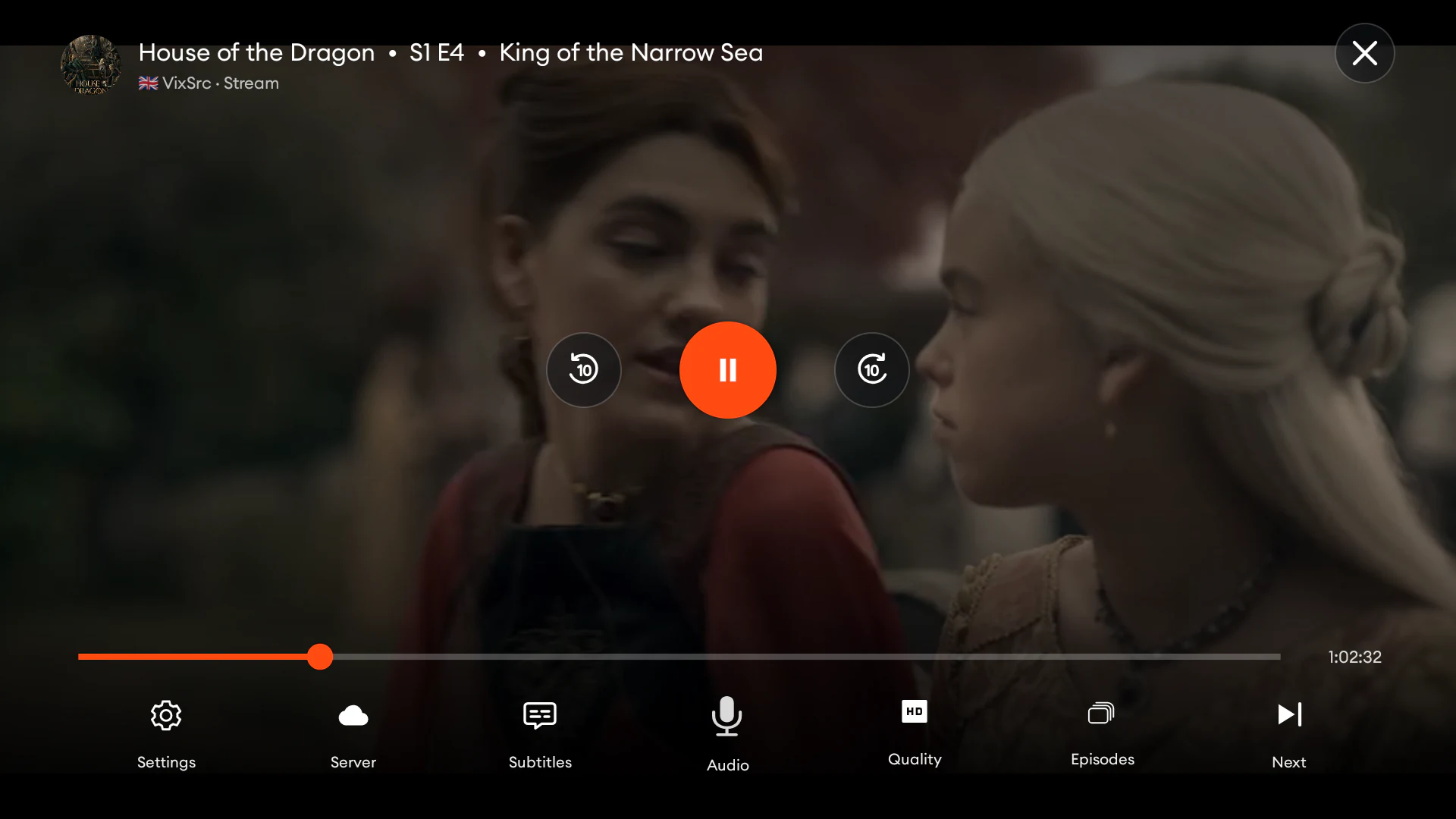 Android mobile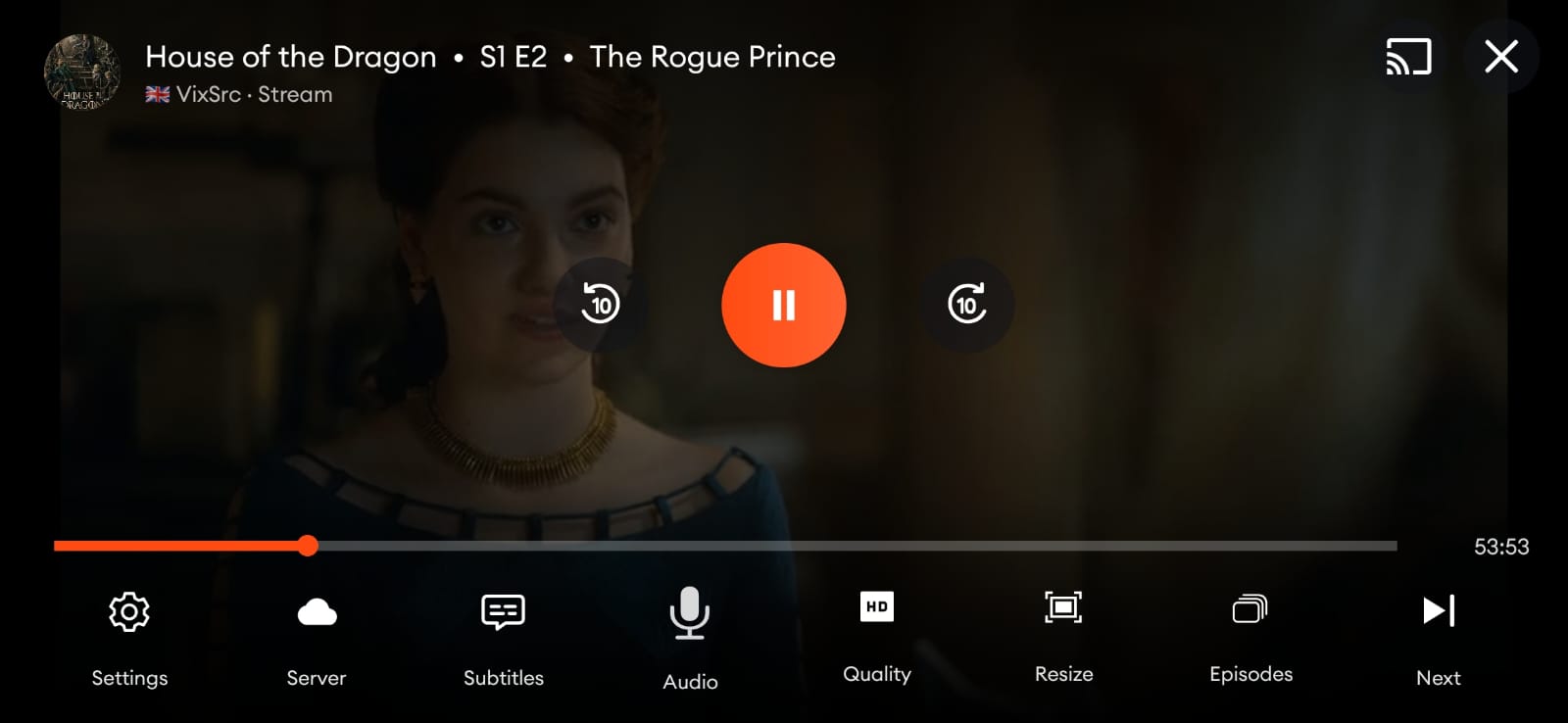
Built for both screens
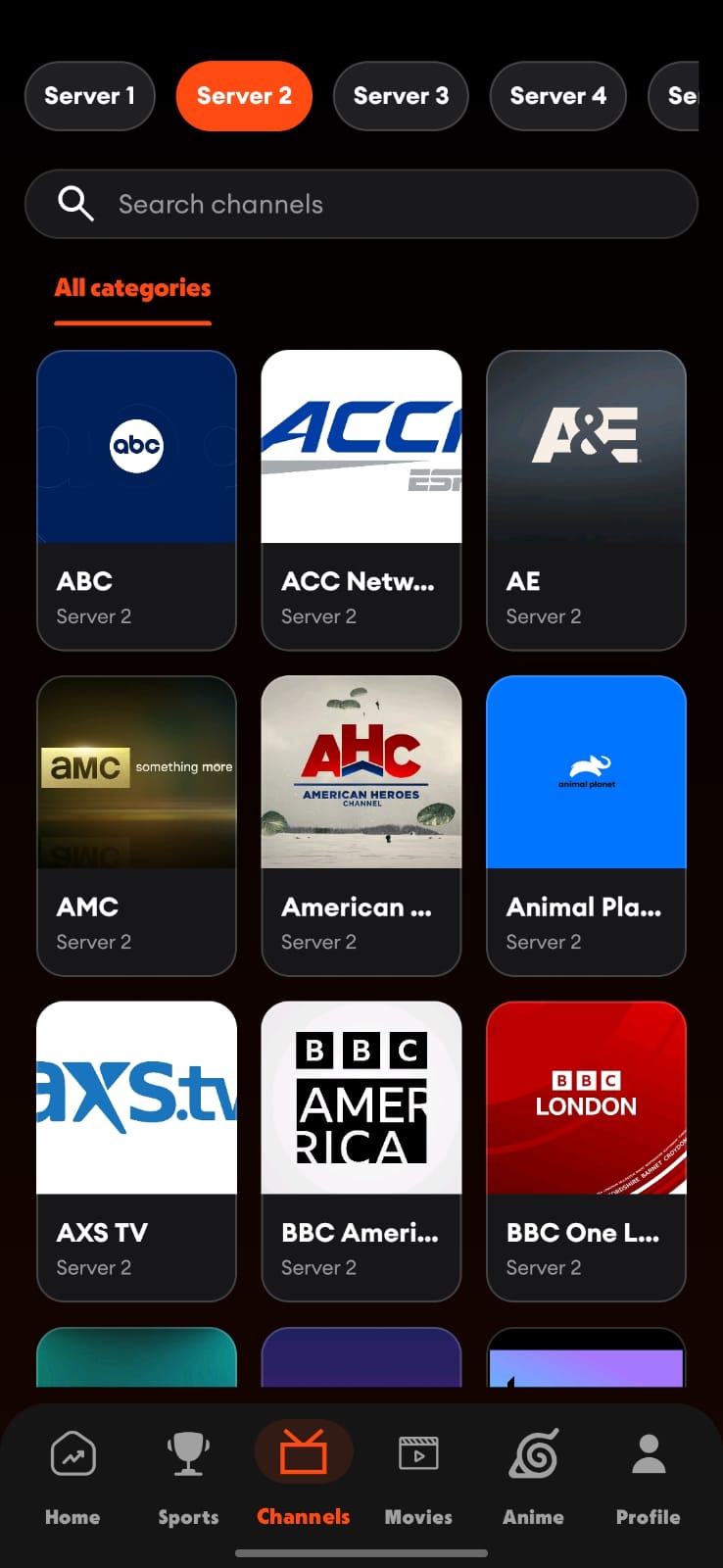
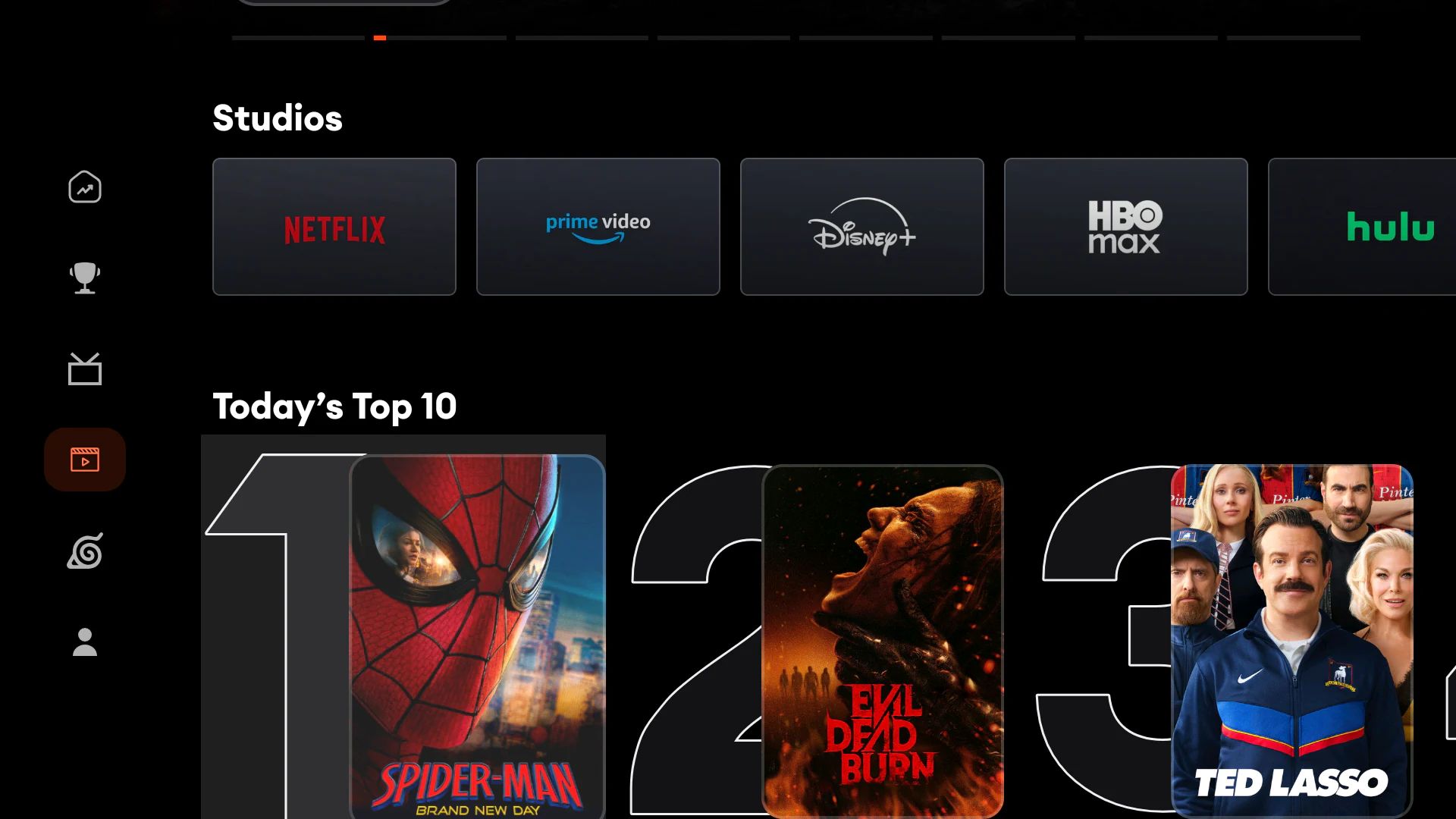
Every major destination has a TV-first layout and a mobile companion designed for the same task—not a squeezed-down copy.
From the Voltra TV journal
Practical Fire TV, Android TV and mobile guides for movies, anime, live channels, installation and choosing the right screen.
Use Downloader code 1165642 and check Fire OS versus Vega OS before installing.
Movies, anime, live channels, sport and cross-device playback in a touch-first layout.
How Voltra organizes 1,000+ channels, source selection, search and live events.
Voltra TV FAQ
Quick answers about Voltra v9, Fire TV, Android TV and mobile support, movies, anime, live channels, search and installation.
Voltra TV v9 is the largest redesign of our Android streaming interface so far. It brings live channels, movies, anime, series, search and sports into a faster, TV-first experience.
Yes. The official Voltra TV v9 APK is free to download directly from voltra.tv for supported Android devices.
Yes. Voltra is built for Android 6.0 and later, with a remote-first Android TV interface and a touch-first experience for compatible Android phones and tablets.
The Voltra Android APK is intended for compatible Android-based Fire OS devices, including Fire TV Stick 4K Max (2nd Gen), Fire TV Stick 4K (2nd Gen), Fire TV Stick HD (2024) and Fire TV Cube (3rd Gen). Vega OS models, including Fire TV Stick 4K Select (2025) and Fire TV Stick HD (2026), do not use Android APKs.
Voltra organizes more than 1,000 live TV channels, movie and series discovery powered by the TMDB catalogue, a dedicated anime area and a live sports hub. Availability from independent third-party sources can vary by region.
Voltra's TV-first interface lets you browse movies, search titles, choose available third-party sources and use remote-friendly playback controls on compatible Android TV devices.
Unified search helps you find movies, series, anime and TV channels from one focused search screen instead of browsing each area separately.
No. Voltra is an aggregator interface and does not host, upload or store media. Availability is determined by independent third-party sources and may vary by location.
Open the Downloader app on your Android TV device and enter code 1165642. Visit voltra.tv/howtodownload.html for setup instructions, or voltra.tv/tvdownload.html for the TV APK and installation steps.
Voltra TV v9
A faster interface, smarter discovery and a TV-first experience—built into our biggest update yet.