Android TV and Android mobile can run the same streaming product, but they are not the same experience. One is controlled from across the room; the other sits in your hand. The best screen depends on what you are trying to do.
Voltra organizes independent third-party sources and does not host media. Availability and playback quality vary by source, device and location.
The short answer
Use Android TV for shared movie nights, long episodes, live sport and anything that benefits from a large screen. Use mobile for quick search, private viewing, browsing while away from the television and casting to a compatible receiver. Use both when you want the same categories and controls without forcing one layout onto every device.
| Area | Android TV | Android mobile |
|---|---|---|
| Input | Directional remote | Touch and keyboard |
| Viewing distance | Across the room | In your hand |
| Best for | Long and shared sessions | Fast and private sessions |
| Navigation | Large targets and visible focus | Bottom tabs, swipes and compact grids |
| Playback | Big-screen controls | Landscape controls and casting |
Movie discovery is faster with touch
Typing a precise title and scanning a long list can be quicker on a phone. Voltra’s mobile Movies section uses a touch-first card layout and the same TMDB-powered discovery categories as the TV version. Once you know what you want, you can continue on mobile or move to a compatible television setup.
Movie watching is usually better on TV
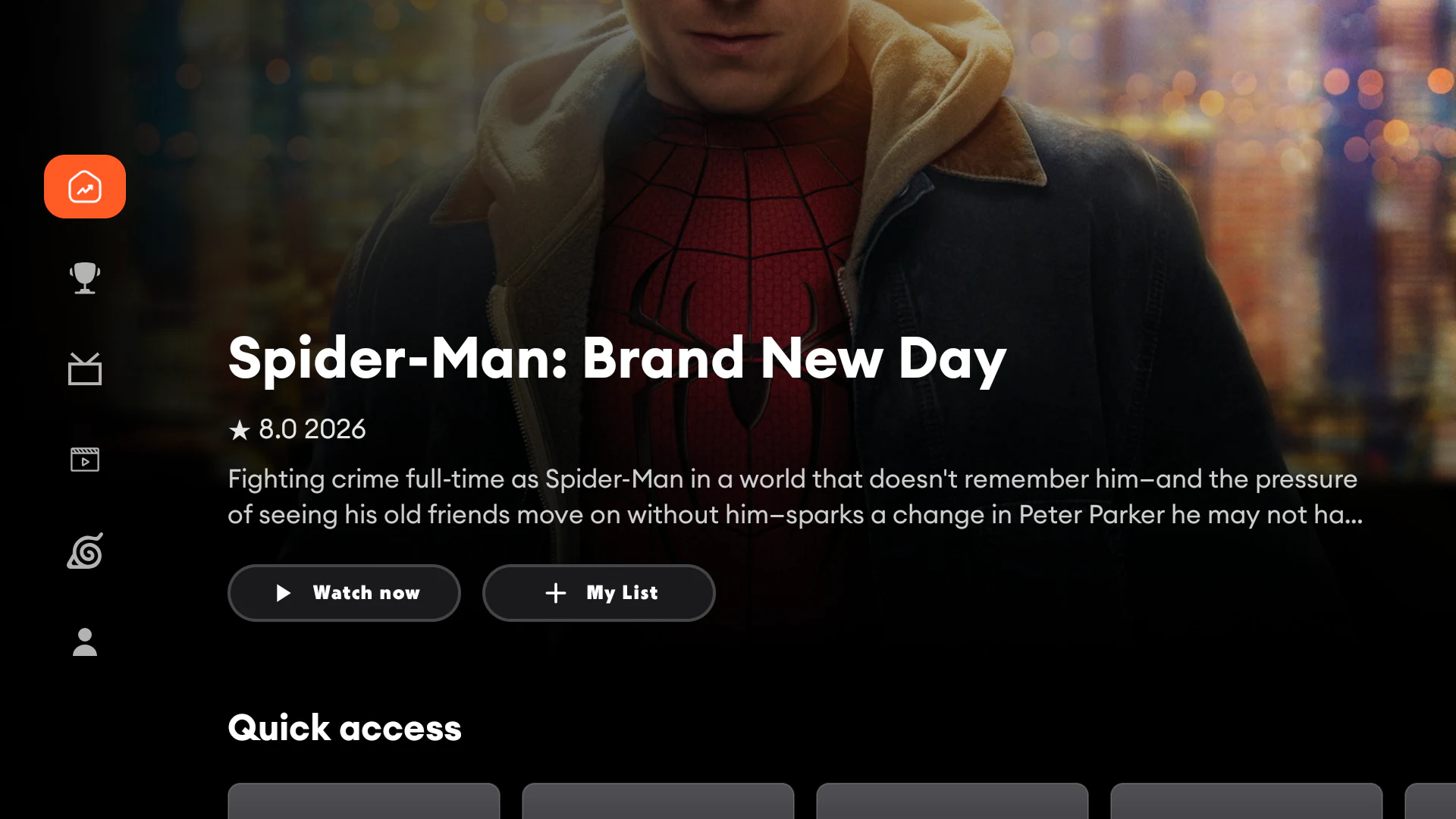
A large screen, speakers and a remote make Android TV the natural choice for longer viewing. Voltra’s TV interface increases artwork size, reduces dense text and makes the active target visible. This is the “ten-foot interface” problem: text and actions must still make sense from the sofa.
Live TV and sports benefit from both
Android TV is the better destination for watching an event. Mobile is often better for checking what is live, finding a channel or making a quick choice. Voltra keeps live channels and sports as separate destinations on both devices so the information structure stays familiar.
Anime episodes need clear continuation
Long anime and series runs benefit from episode artwork, season selection and summaries. TV makes the episode list easy to read from a distance; mobile lets you scan more quickly with touch. The content model stays the same while the layout changes.
Casting connects the two screens
On supported devices, casting lets the phone initiate playback on a television while remaining available as a nearby controller. Compatibility depends on the receiving device, network and selected source. The official Android Cast guide explains the broader phone-to-TV model.
Do Voltra mobile and TV look identical?
No—and that is intentional. They share categories, color, terminology and player logic, but not identical geometry. TV uses side navigation, wide rows and remote focus. Mobile uses bottom navigation, portrait discovery and touch-sized controls.