Live TV is different from on-demand streaming. The viewer often knows the channel, country or event and expects playback quickly. A good Android TV live-channel interface should reduce the distance between that intent and the stream.
Voltra is an aggregator interface and does not operate, host or license the channels shown through independent sources. Channel availability, reliability and rights vary by source and region. Use only authorized sources in your location.
Browse more than 1,000 TV channels
Voltra v9 presents more than 1,000 live channel entries through a grid designed for large screens. On Android TV, channel cards have clear labels, artwork and a visible focus outline. On mobile, the same catalogue becomes a compact touch grid with search placed near the top.
Google’s Android TV guidance distinguishes app-based channels from channels supplied by a television tuner. Voltra belongs to the app side of that model: it organizes streams surfaced by independent online sources rather than replacing a device’s antenna or cable tuner.
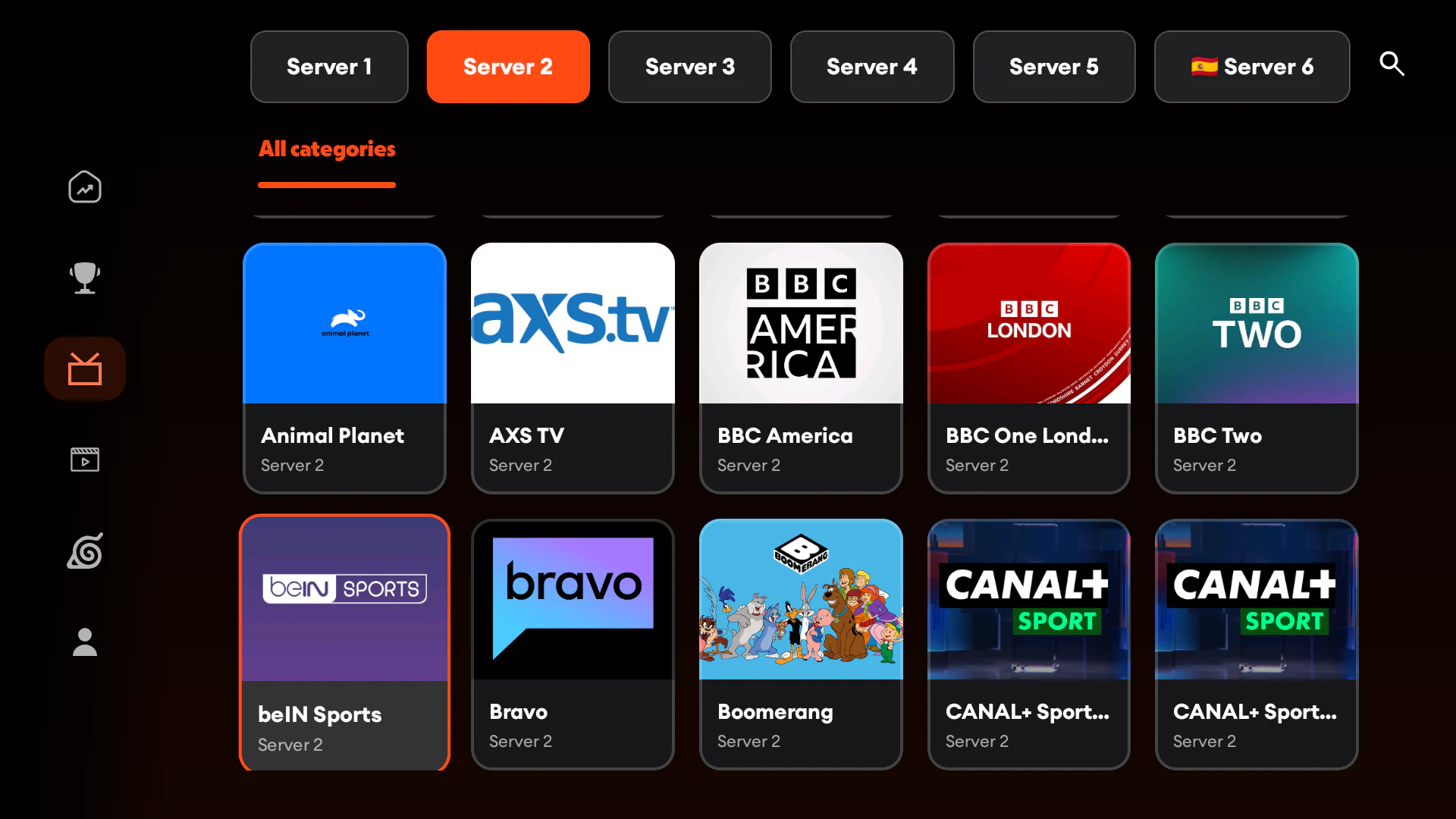
Choose a source before choosing a channel
The source selector sits at the top of the live TV screen. If a region, language or provider group is available through a different independent source, switching there first can produce a more useful channel list. This also gives you a recovery path when one source is temporarily unavailable.
A source is not a subscription and does not grant rights to restricted content. Review the source’s terms, your existing subscriptions and local rules before playback.
Search instead of scrolling
A catalogue with more than 1,000 channels quickly becomes unwieldy. Use channel search when you know the name; use categories when you know only the type. On a TV remote, a few letters can be faster than moving through dozens of cards. On mobile, the full-width search field is optimized for touch keyboards.
Keep live sports separate from channels
Sports viewing usually begins with an event rather than a broadcaster. Voltra’s Sports area groups live and upcoming events by sport, while the Channels area remains organized around stations. That separation helps users who ask “what game is live?” as well as users who ask “open this channel.”
What affects live TV quality?
- Source stability: independent servers can go offline or become busy.
- Connection quality: Wi-Fi congestion can affect a television even when a phone nearby appears fast.
- Video format: older TV boxes may support fewer codecs or resolutions.
- Region: availability and rights can change across countries.
- Quality selection: a lower resolution may be more stable on a limited connection.
Can I watch live TV on an Android phone?
Yes. The same Voltra categories are available on supported Android mobile devices. The channel grid, source row and search experience reshape for touch. Read the Voltra mobile streaming guide for the full phone layout.